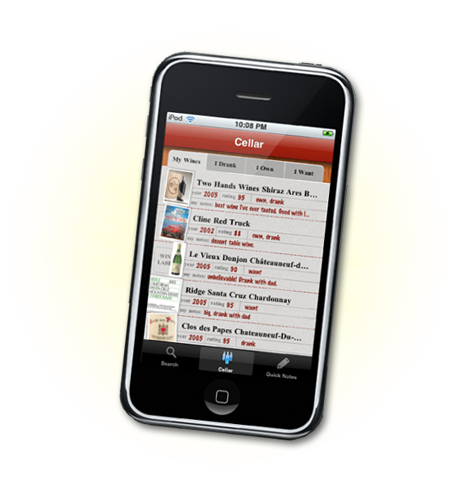


For Anyone Upgrading Their iPhones…
We’ve gotten a number of inquiries from people upgrading their iPhones, and losing their Cellars in the process. Here’s the scoop…
In the current release of Drync we do not ask you to create an account, nor submit your email address. Thus, the only way we can identify you is from your iPhone’s unique identifier, called a UDID. If you change/upgrade your phone, then we no longer have a way to associate your Drync Cellar with your new hardware and cannot show you your wines.
Fear not, we still have them saved on our server!!
To get your wines back, we need to manually tell our system that you’ve changed phones. To do this we need the UDID from both your old and new phones.
There are two ways to get your UDID’s:
1. Within iTunes on your Mac/PC and with your iPhone connected, click on your iPhone on the left. In the Summary tab click on the words “Serial Number”. That field will change to show your UDID. Send us that number for both phones.
2. You can download an app called “Ad Hoc Helper” from the app store directly to your phone. This app will email your UDID to you/us.
Please send your old and new UDID to [email protected].
Sorry about the inconvenience! We’ll be making this process much easier in our next release…